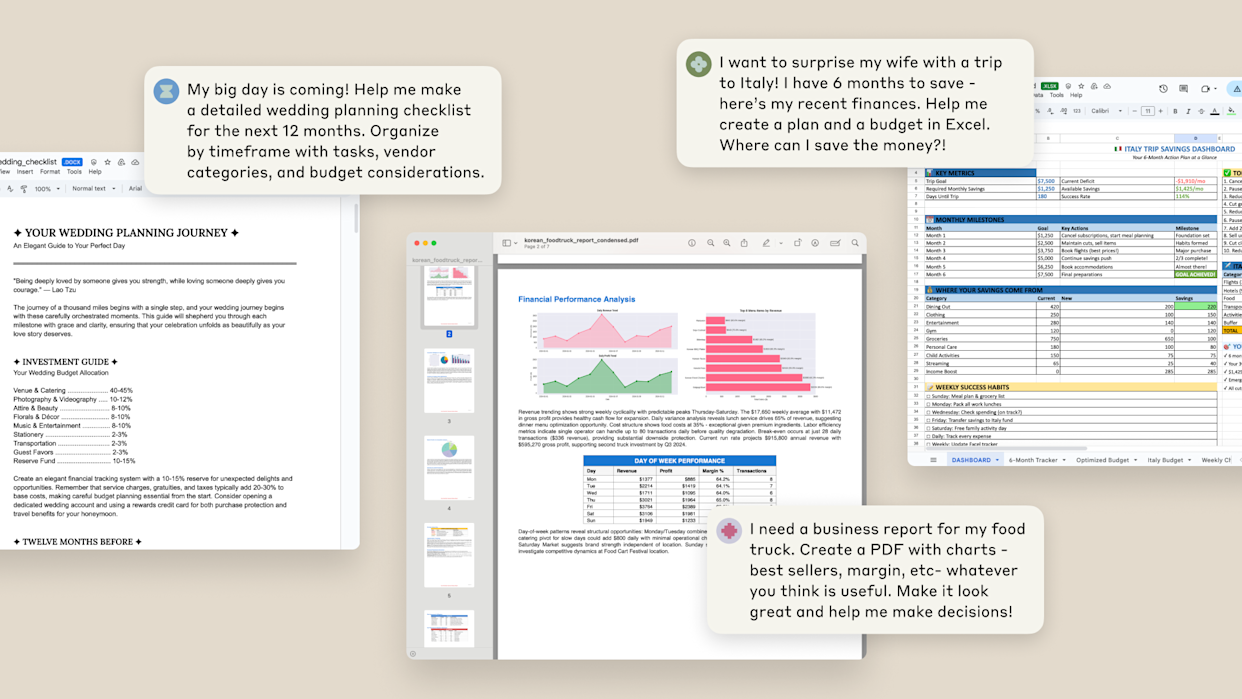
Excel has survived everything the technology industry has thrown at it. Business intelligence platforms, Python notebooks, cloud analytics dashboards, drag-and-drop visualization tools – none of them have managed to displace a spreadsheet application that turns 40 next year and still counts over 2 billion users worldwide. The financial services industry in particular has built its entire operational fabric around it, from three-statement models in investment banking to budget consolidations in corporate finance to portfolio tracking in asset management.
On March 5, 2026, OpenAI made a calculated bet that it could change that relationship not by replacing Excel, but by transforming what happens inside it.

The company launched ChatGPT for Excel in beta – an add-in powered by GPT-5.4, its latest and most capable model – that embeds an AI assistant directly into workbooks, allowing users to build financial models, run scenario analysis, trace formula errors, and generate structured outputs in plain conversational language. At the same time, OpenAI announced direct financial data integrations with FactSet, Dow Jones Factiva, LSEG, S&P Global, Moody's, MSCI, Third Bridge, Daloopa, and MT Newswire, enabling analysts to pull institutional-grade market data directly into their workflows without switching applications.
The announcement positions OpenAI in direct competition with Microsoft's own Copilot for Excel, Google's Gemini integration in Sheets, and an emerging cohort of AI-native finance tools – and it arrives at a moment when the $20-per-month pricing tier of ChatGPT Plus includes access to the same underlying model that investment banks pay data platform vendors considerable sums to approximate.
The question that matters for analysts, finance teams, and enterprise buyers is not whether this technology is impressive. The benchmark numbers suggest it is. The question is whether it is trustworthy enough, at sufficient depth, to change how professional financial work actually gets done.
What the Product Actually Does
An AI Assistant Embedded in the Workbook Itself
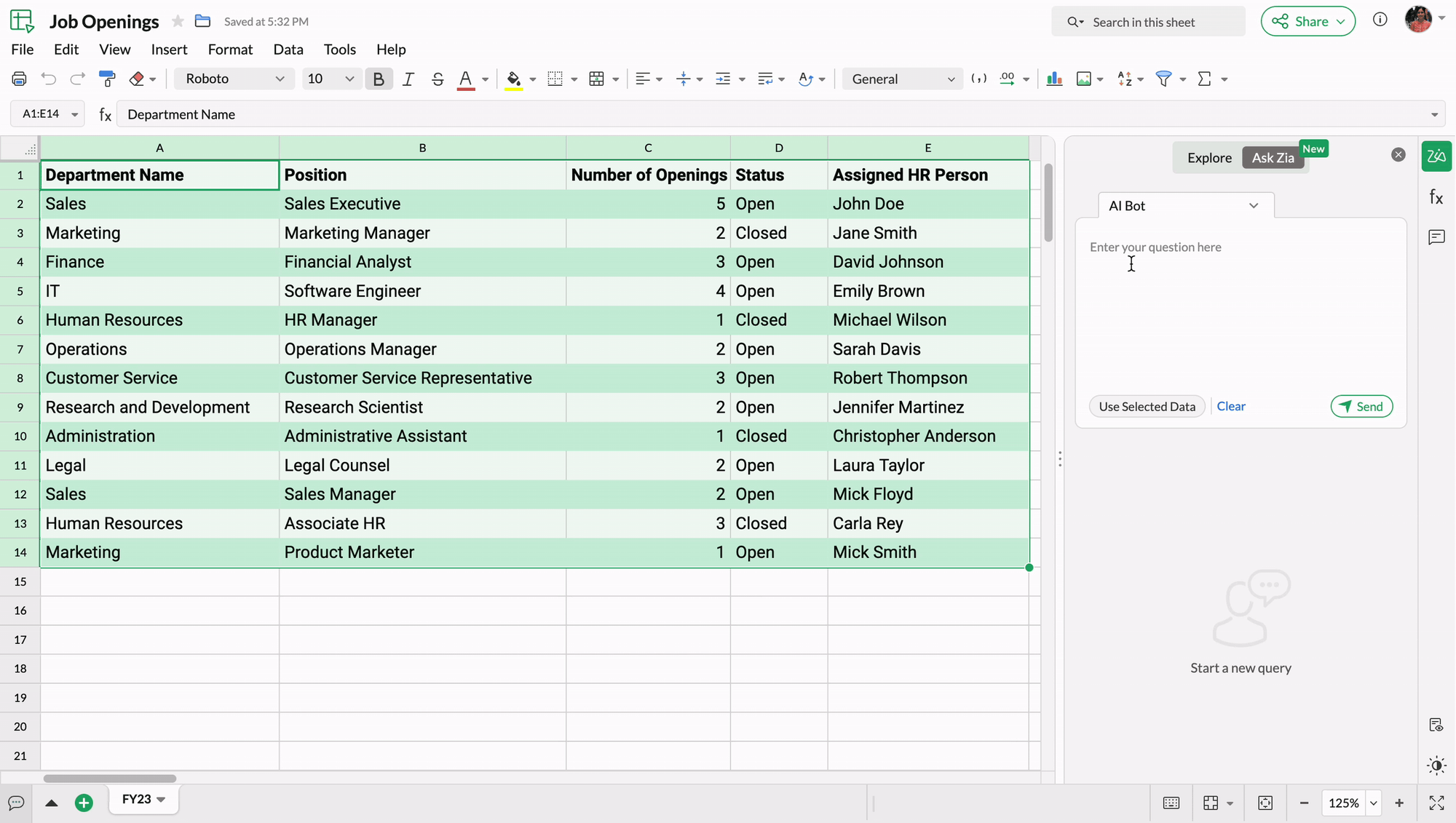
ChatGPT for Excel installs as a sidebar add-in through the Excel Add-ins store and operates directly within the workbook environment. Once active, users interact with the AI through conversational prompts in plain language, and the system executes changes within the spreadsheet itself rather than generating outputs that must then be manually transplanted.
The core capabilities OpenAI has built into the initial beta release span three distinct operational modes that address the principal pain points of financial modeling work:
- Model creation and update. Users describe what they need – a revenue buildup, a three-scenario sensitivity table, a rolling forecast with seasonal adjustments – and ChatGPT creates or modifies the Excel model in place, preserving the underlying formulas, structure, and assumptions in their native Excel format. The output is not a rendered document or a static export. It is a live workbook that retains full formula auditability and can be extended through normal Excel operations.
- Cross-workbook reasoning. One of the more consequential capabilities in the beta release is the system's ability to reason across multiple sheets and understand how formulas and assumptions connect through a model. For analysts inheriting templates – a common experience in financial services where models are often handed down across analyst generations with variable documentation –
- this represents a meaningful reduction in the time required to understand what an existing model is actually doing before it can be safely updated.Transparency and permission-based editing. ChatGPT explains its reasoning as it works, linking its outputs to the specific cells it references or modifies. Critically, the system asks for user permission before making any change to the workbook, enabling step-by-step review and allowing edits to be undone individually. OpenAI positioned this explicitly as a control mechanism for finance teams where audit trails and change documentation are not optional.
The Financial Data Layer
Alongside the Excel add-in, OpenAI announced what may ultimately prove to be the more strategically significant component of the launch: direct data integrations with the major institutional financial data providers that analysts rely on for live market data, fundamental company information, and research content.
The confirmed integration partners at launch include:
| Data Provider | Primary Data Category |
|---|---|
| FactSet | Market data, fundamentals, earnings estimates, research insights |
| S&P Global | Company data, credit ratings, market intelligence |
| LSEG (London Stock Exchange Group) | Live yield curves, cross-asset pricing, real-time news |
| Moody's | Credit data and analytics |
| Dow Jones Factiva | News archives, company research |
| MSCI | Index data, performance, portfolio exposures |
| Third Bridge | Expert network research, qualitative insights |
| Daloopa | Automated financial data extraction from filings |
| MT Newswire | Market-moving news and financial wire content |
These integrations operate within the ChatGPT interface and, via the add-in, within Excel itself – meaning an analyst building a discounted cash flow model can query live yield curves from LSEG without leaving the workbook, incorporate earnings estimates from FactSet without manual data entry, and cross-reference news from Dow Jones Factiva within the same session.
The practical implication, if the integrations perform reliably at production depth, is a material compression of the data-gathering and reconciliation work that McKinsey estimated consumes roughly 40 percent of an analyst's time. Whether that compression materializes in practice depends substantially on data entitlement arrangements that vary by institution and on the accuracy of the AI's synthesis of live data – dimensions that the beta stage cannot fully validate.
The Model Powering It: GPT-5.4 and What the Benchmarks Show
OpenAI's Most Financially Oriented Model
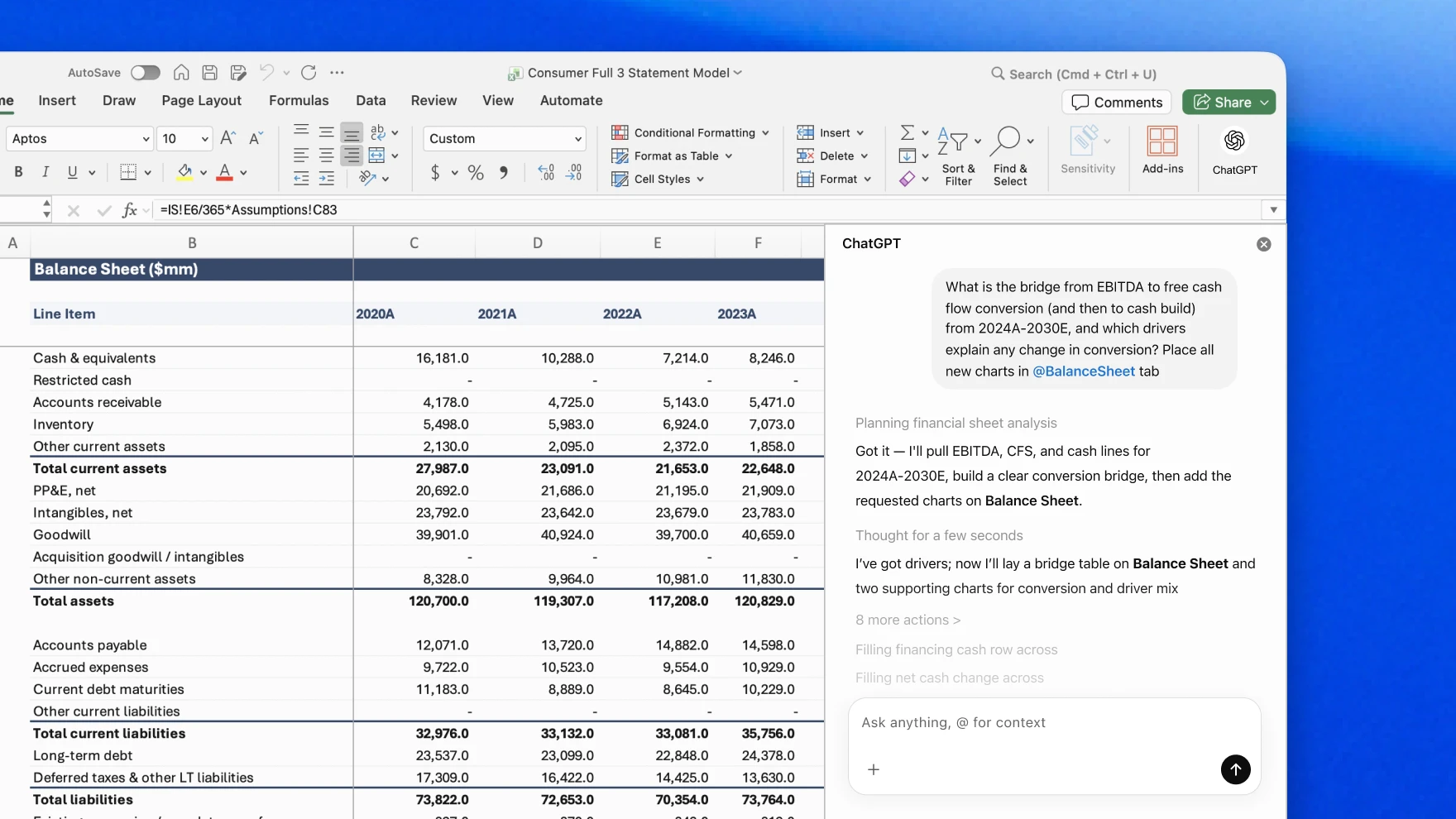
The Excel add-in and financial data integrations are powered by GPT-5.4 Thinking, which OpenAI described at launch as its most capable and efficient frontier model, specifically optimized for coding, agentic tasks, and complex analytical workflows. The model supports up to one million tokens of context in the API and Codex, enabling it to reason across large, multi-sheet workbooks without losing track of model structure.
The benchmark figures OpenAI cited at launch are notable in their specificity, though they come with the customary caveats that apply to vendor-sourced internal evaluations:
| Benchmark | GPT-5 Score | GPT-5.4 Thinking Score |
|---|---|---|
| OpenAI internal investment banking benchmark | 43.7% | 87.3% (per eWeek) / 88.0% (per VentureBeat) |
| GDPval (44-occupation workplace task benchmark) | 71.0% | 83.0% |
| Token efficiency vs. predecessors | Baseline | 47% fewer tokens on comparable tasks |
The investment banking benchmark is the figure most relevant to the financial analyst audience. It involves constructing tasks representative of real banking workflows – three-statement models with proper citations, scenario analysis, and long-form research – and the reported improvement from 43.7 percent to roughly 87 to 88 percent represents a near-doubling of performance that, if it holds under independent evaluation, would constitute a meaningful capability threshold.
The GDPval benchmark, which evaluates model performance against office workers across 44 different occupational categories, showed GPT-5.4 matching or exceeding professional performance 83 percent of the time. That figure needs to be interpreted carefully: "office worker" in a benchmark context does not mean "experienced analyst," and the tasks evaluated represent specified, well-structured knowledge work rather than the ambiguous, judgment-intensive analysis that defines senior financial roles. What it does suggest is that for the routine, procedural portion of analytical work – formula construction, data reconciliation, scenario table generation, basic report drafting – the model is operating above the baseline competence threshold for professional use.
The Independent Benchmark That Is More Revealing
A more informative data point for professional assessment comes from Wall Street Prep's 2026 benchmark, which tested Claude Opus 4.6, Shortcut v7.4, Microsoft Copilot with GPT-5 in Agent Mode, and ChatGPT 5.2 against a standard investment banking assignment: building a fully integrated three-statement model for Apple using actual SEC filings and consensus forecasts, a task that a strong analyst typically completes in two to three hours.
The results placed Claude second overall with a score of 5.5 out of 10, ahead of Copilot at 4.4 and ChatGPT at 2.5. That evaluation used an earlier ChatGPT model than the current GPT-5.4 Thinking integration, and the results should be interpreted as a directional baseline rather than a current state comparison – but they illustrate a consistent pattern across independent evaluations: AI tools can handle the procedural mechanics of financial modeling at a level that approximates competent junior analyst performance, while consistently struggling with the interpretive and architecturally complex dimensions of the same work.
Notably, both Claude and Shortcut asked clarifying questions before beginning the Apple model construction – behavior that WSP characterized as resembling what a good junior analyst would do. Copilot and ChatGPT asked none. Claude was identified as the only tool to correctly backsolve EBITDA, and it provided the strongest explanations of sourcing and modeling decisions. However, both Claude and Shortcut also hallucinated portions of historical financial data – with errors subtle enough that individual line items were incorrect while subtotals remained plausible, a pattern that WSP noted would require cell-by-cell auditing to catch and would take longer to verify than entering the data manually in the first place.
That finding – functional appearance masking structural error – is the central risk that the financial industry needs to account for in evaluating any of these tools.
The Competitive Landscape: Three Different Bets on the Same Problem
How ChatGPT for Excel Compares to Its Closest Competitors
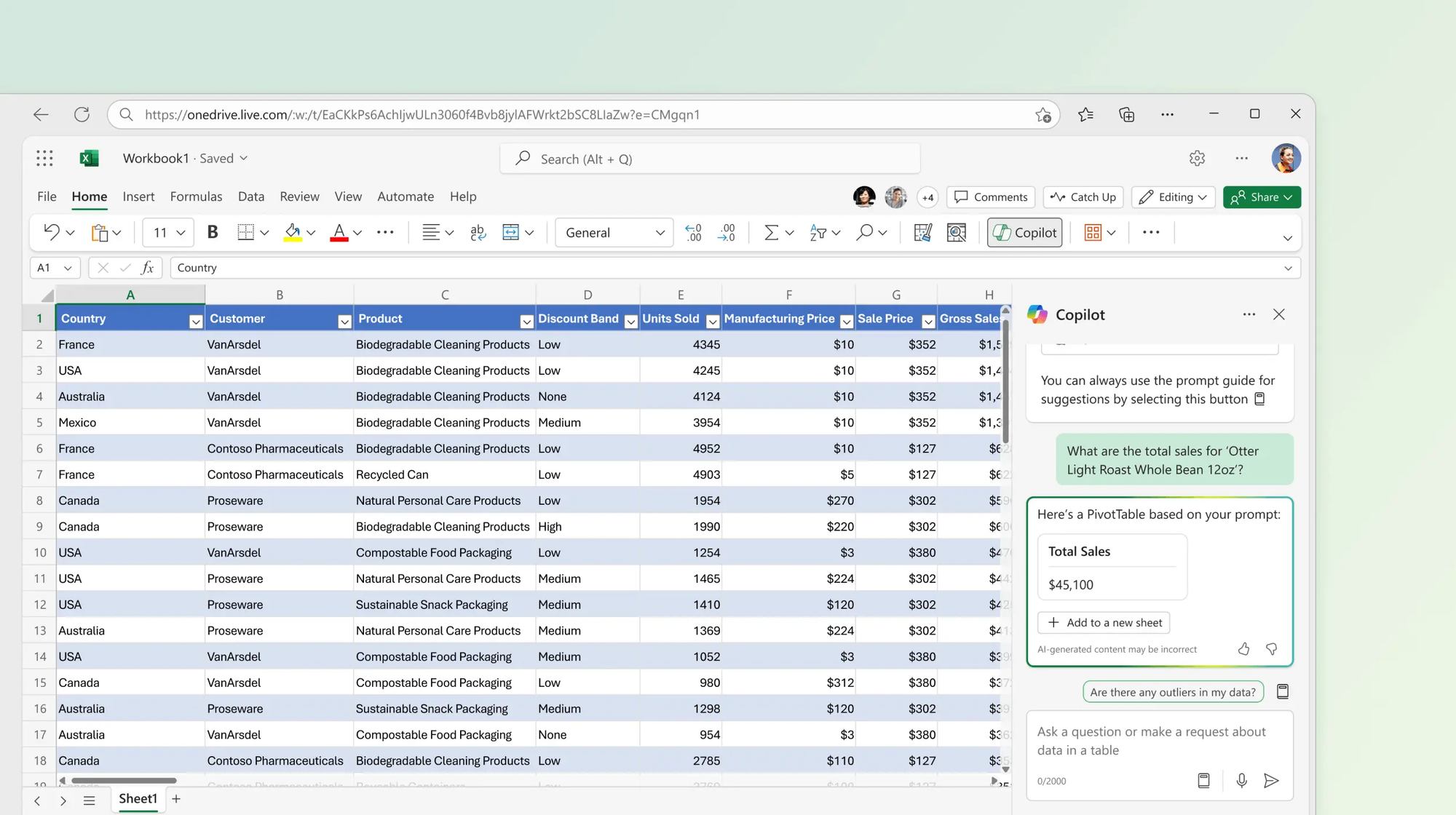
The launch of ChatGPT for Excel materializes in a market that is already contested by three meaningfully different architectural approaches to the same underlying problem: how do you bring AI reasoning into the spreadsheet workflows where financial work actually happens?
| Dimension | ChatGPT for Excel | Microsoft Copilot (Excel) | Claude Cowork |
|---|---|---|---|
| Integration depth | Add-in sidebar; live model creation and editing | Native to Excel; embedded in M365 environment | Cross-app: Excel and PowerPoint with retained context |
| Underlying model | GPT-5.4 Thinking | GPT-5 (Microsoft-deployed) | Claude Opus 4.6 |
| Data integrations | FactSet, LSEG, S&P Global, Moody's, MSCI, Third Bridge, Daloopa, Dow Jones, MT Newswire | Limited third-party data connections | FactSet, MSCI, S&P Global Capital IQ Pro, LSEG (with active entitlements) |
| Availability | ChatGPT Plus, Pro, Business, Enterprise, Edu (US, Canada, Australia -- beta) | Requires Microsoft 365 subscription | Microsoft 365 integration; research preview |
| Platform dependence | Platform-agnostic (OpenAI account) | Microsoft ecosystem only | Anthropic account plus Microsoft 365 |
| Copilot/Shortcut benchmark | 2.5/10 (ChatGPT 5.2 -- older model) | 4.4/10 | 5.5/10 |
| Permission model | Asks before each edit; cell-linked transparency | Moderate transparency | Asks clarifying questions; cell-by-cell sourcing |
Microsoft's structural position in this market is both strong and genuinely complicated. The company is OpenAI's largest backer, having invested approximately $13 billion in the partnership, and Copilot for Excel is powered by OpenAI's models. ChatGPT for Excel therefore represents OpenAI deploying its own model in a configuration that competes directly with a Microsoft product that OpenAI's technology also powers – a tension that reflects the increasingly complex economics of the AI platform market.
Copilot's advantage is deep integration within the Microsoft 365 ecosystem, with native access to workbook formulas, formatting, and structure that add-in tools can only approximate. Its documented limitation in comparative testing has been bulk processing reliability: when asked to perform operations across many rows simultaneously, Copilot has consistently struggled to complete tasks that third-party tools handle more robustly. For the routine high-volume data operations that characterize much analytical work – categorizing thousands of rows, running web lookups at scale, generating descriptions for large datasets – that limitation is material.
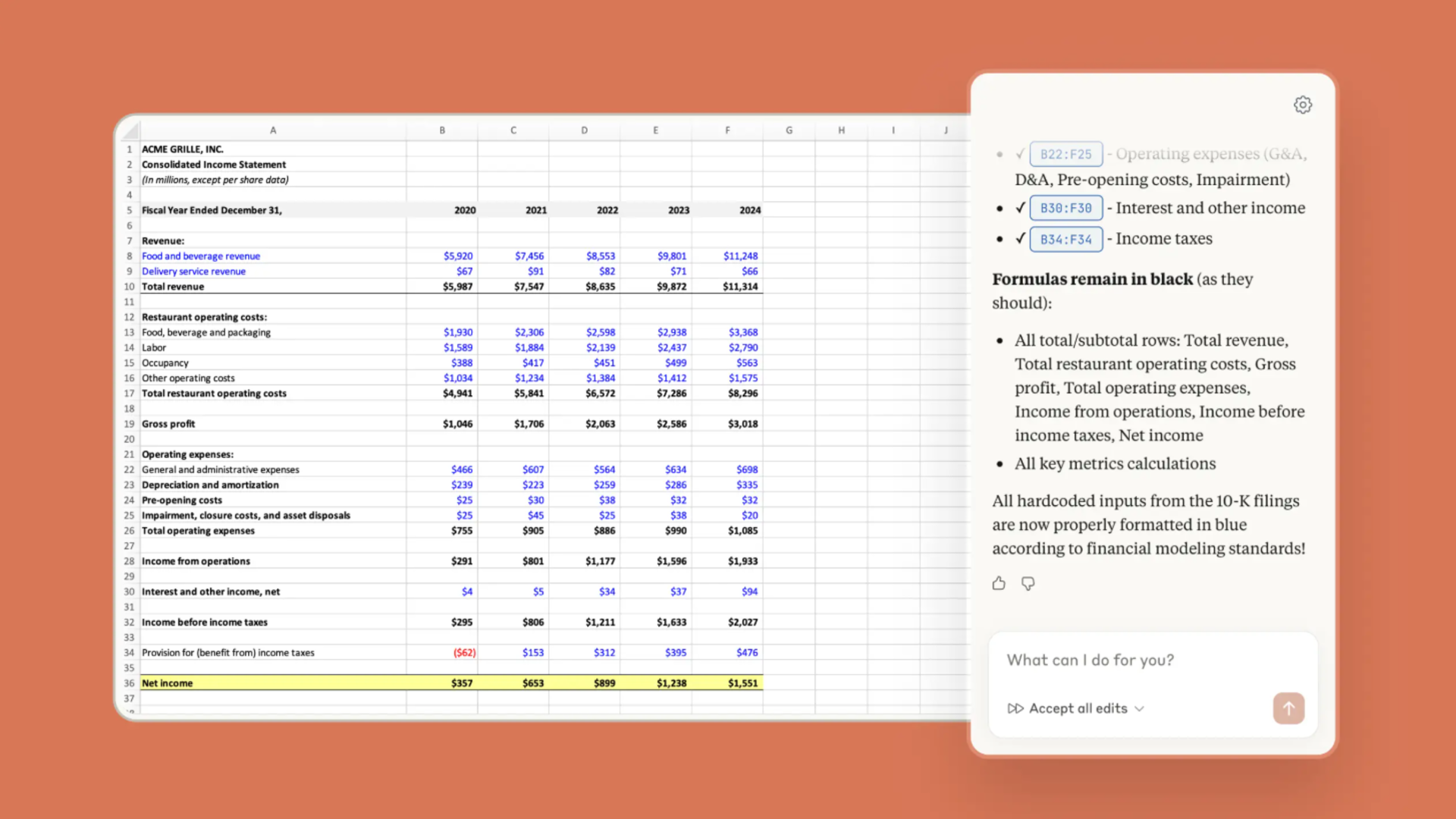
Claude Cowork's distinguishing capability is cross-application context retention: the ability to move from an Excel model to a PowerPoint deck and back while maintaining full awareness of the analytical context, eliminating the manual reconstruction of context that currently constitutes a significant time cost in financial workflows. Wall Street Prep's testing found it outperforming both Copilot and the version of ChatGPT evaluated, while simultaneously surfacing the hallucination risk that applies to all tools in the category.
The Limitations That Professionals Need to Understand
What Beta Actually Means in a Financial Context
OpenAI acknowledged three specific limitations in the launch announcement for ChatGPT for Excel: response latency during the beta optimization period, the possibility that generated outputs may require formatting adjustments, and the fact that complex or edge-case formulas may still require manual refinement after generation. Those disclosures, framed conservatively, translate into more specific risks for financial professionals who operate in environments where accuracy is non-negotiable.
The hallucination risk documented in independent testing is the most significant. The Wall Street Prep benchmark found that financial modeling AI tools – including the best-performing ones – can produce outputs that appear structurally correct but contain numerical errors subtle enough to escape casual review, with incorrect individual line items that nonetheless sum to plausible subtotals. In an analytical context where a single incorrect assumption in a cash flow model can produce a materially wrong valuation, that risk profile requires a verification discipline that partially offsets the productivity gains the tools are designed to deliver.
The OpenAI announcement addressed transparency through the permission model and cell-linked explanations, both of which are genuine design improvements over tools that simply produce outputs without traceability. The harder problem is that transparency about what the AI did does not resolve whether what the AI did was correct, particularly when the errors are in sourced numerical data rather than in formula construction.
For financial professionals evaluating the tool, the practical framework is a tiered one:
- High confidence, lower risk: Formula generation, model structuring, scenario table construction from given assumptions, formula explanation and documentation
- Moderate confidence, manageable risk: Data reconciliation from structured sources, report drafting and narrative generation, sensitivity analysis based on user-specified parameters
- Lower confidence, requires independent verification: Historical financial data ingestion from AI synthesis, cross-source data reconciliation, any model input that will drive investment decisions without secondary review
OpenAI was direct that enterprise data is not used to train models, which addresses the data privacy concern that is a first-order compliance question for financial institutions. The enterprise and education workspace configurations also default to off with admin-controlled access, which provides the governance mechanism that regulated institutions require before deployment.
The Broader Competitive Context
OpenAI Entering the Enterprise Productivity Layer
The strategic significance of the ChatGPT for Excel launch extends beyond the specific capability set it delivers. OpenAI is entering the enterprise productivity software market in a way that previously it had only done through partnerships – and specifically doing so in a product category that Microsoft, its primary backer and infrastructure provider, has been building its own commercial offering around.
This dynamic is not accidental. ChatGPT's platform-agnostic positioning – accessible to anyone with a Plus subscription at $20 per month, without requiring a Microsoft 365 license – addresses a market segment that Copilot structurally cannot serve: the finance professional working on a non-Microsoft machine, the boutique firm that has not standardized on the M365 enterprise stack, or the individual analyst who needs GPT-5.4-class capability without institutional procurement.
Competitors including Google, with Gemini in Sheets, and Anthropic, with Claude Cowork, are pursuing the same enterprise productivity layer from different architectural starting points. The differentiation that will matter over the medium term is not model quality in isolation – the benchmark gaps between GPT-5.4, Claude Opus 4.6, and Gemini are real but compressing rapidly – but rather the quality of data integrations, the reliability of formula-level accuracy in complex models, and the governance and compliance frameworks that regulated financial institutions require before deployment at scale.
The financial services industry represents one of the highest-value and most technically demanding targets for enterprise AI adoption, and the launch of ChatGPT for Excel reflects a clear calculation that the tools are now capable enough to compete seriously for that segment. The question is not whether AI will reshape how financial analytical work gets done – the productivity economics make that direction clear – but which platform delivers the accuracy, data depth, and institutional trust required to earn the deployment decisions that will determine the next several years of the market.
Frequently Asked Questions
What is ChatGPT for Excel, and when was it launched?
ChatGPT for Excel is an AI add-in for Microsoft Excel, launched in beta on March 5, 2026, powered by OpenAI's GPT-5.4 Thinking model. It embeds ChatGPT directly into workbooks as a sidebar panel, allowing users to build financial models, update spreadsheets, run scenario analysis, and understand existing formulas using plain language prompts. The system links its responses to specific cells and requires user permission before making any changes, preserving transparency and auditability. The beta is currently available to ChatGPT Plus, Pro, Business, Enterprise, Edu, and Teachers users in the United States, Canada, and Australia.
What financial data providers are integrated with ChatGPT for Excel?
At launch, OpenAI confirmed data integrations with FactSet, S&P Global, LSEG, Moody's, Dow Jones Factiva, MSCI, Third Bridge, Daloopa, and MT Newswire. These integrations allow analysts to pull institutional-grade market data, company fundamentals, research content, and real-time news directly into their ChatGPT and Excel workflows. Access to certain providers, particularly those with premium entitlement models such as LSEG, FactSet, and MSCI, requires active data agreements with those platforms in addition to a ChatGPT subscription.
How does ChatGPT for Excel differ from Microsoft Copilot in Excel?
Both tools embed AI into Excel and support natural language interaction with spreadsheet data, but they differ in platform dependence, model version, data integrations, and architectural approach. Microsoft Copilot requires a Microsoft 365 subscription and is native to the Office ecosystem, whereas ChatGPT for Excel is platform-agnostic and accessible through any OpenAI account. ChatGPT for Excel is powered by GPT-5.4 Thinking and includes direct integrations with nine financial data providers at launch. Comparative testing has found Copilot more reliable for UI-driven actions such as pivot table creation and basic chart generation, while third-party AI tools have generally outperformed Copilot on bulk processing and complex multi-row operations. On Wall Street Prep's 2026 financial modeling benchmark, using earlier model versions, Copilot scored 4.4 out of 10 compared to Claude's 5.5, with ChatGPT scoring 2.5 under the older GPT-5.2 model.
What are the documented limitations and risks of ChatGPT for Excel?
OpenAI disclosed three specific limitations at launch: response latency during beta optimization, potential formatting adjustments required in generated outputs, and the possibility that complex or edge-case formulas may need manual refinement. Independent testing has identified a more significant risk: financial modeling AI tools can produce outputs that appear structurally correct but contain subtle numerical errors – incorrect individual line items that sum to plausible subtotals – which require cell-level auditing to detect. The Wall Street Prep benchmark found this pattern across multiple AI tools including Claude, and it represents the central accuracy risk for financial professionals. AI-generated financial models should be treated as drafts requiring independent verification before supporting any decision-making, particularly when the inputs include live or synthesized financial data.
Does ChatGPT for Excel use my spreadsheet data to train OpenAI's models?
No. OpenAI has stated explicitly that data shared with ChatGPT Enterprise is not used to train or improve its models. Enterprise and educational workspace configurations default to restricted access, requiring administrator-level enabling for specific users, which provides the governance mechanism most regulated financial institutions require. Individual Plus and Pro users should review OpenAI's data handling terms, as privacy configurations differ by subscription tier.
What types of financial work is ChatGPT for Excel best suited for?
In its current beta form, the tool performs most reliably for formula generation and explanation, model structuring from plain language specifications, scenario table construction from user-defined assumptions, and documentation of existing workbook logic. It is moderately reliable for data reconciliation from structured sources, sensitivity analysis with specified parameters, and report narrative generation. It requires independent verification for any use case involving historical financial data ingested from AI synthesis, cross-source data reconciliation, or model outputs that will directly inform investment decisions or client-facing analysis. The financial data integrations with providers such as FactSet and LSEG are the most significant productivity unlock for professional analysts, though realizing that value depends on active data entitlements with the relevant providers.
How does ChatGPT for Excel compare to Claude Cowork for financial workflows?
Claude Cowork and ChatGPT for Excel target similar financial analyst workflows but with different architectural priorities. Claude Cowork's most distinctive capability is cross-application context retention – the ability to move between an Excel model and a PowerPoint presentation while retaining full analytical context, enabling a single session to encompass research, modeling, and presentation preparation. Wall Street Prep's 2026 benchmark scored Claude second overall in financial modeling tasks. ChatGPT for Excel's competitive strength is its broader financial data integration footprint at launch and the platform-agnostic accessibility of its pricing tier. Both tools carry the hallucination risk documented in WSP's testing, and both are in early deployment stages that preclude definitive production-readiness conclusions for the highest-stakes financial workflows.
Related Articles
 Dani
Dani