The creative industry has a complicated relationship with artificial intelligence. On one hand, generative AI threatens illustrators, designers, and writers with increasingly sophisticated tools that can produce passable work in seconds. On the other, a quieter revolution is unfolding: AI assistants that don't compete with creatives but genuinely support them.
This distinction matters more than most people realize. An AI that generates finished illustrations competes with you. An AI that transcribes your three-hour client meeting and turns it into an actionable brief? That's working for you. One threatens your livelihood. The other gives you back hours of your week.
The tools on this list won't create your work for you. They won't replace your eye for design, your ability to craft compelling narratives, or your hard-won expertise in your field. Instead, they tackle the administrative overhead, the research rabbit holes, and the cognitive busywork that drains creative energy and keeps professionals from doing what they do best.
If you're a creative professional feeling ambivalent about AI, these tools offer something different: technology that amplifies your capabilities rather than attempting to replicate them.
1. Granola: Meeting Notes
Client calls, creative briefs, pitch meetings, brainstorms. If you're a working creative, meetings probably consume a significant portion of your week. The problem isn't just the time spent in those meetings – it's the time spent afterward reconstructing what was discussed, agreed upon, and promised.
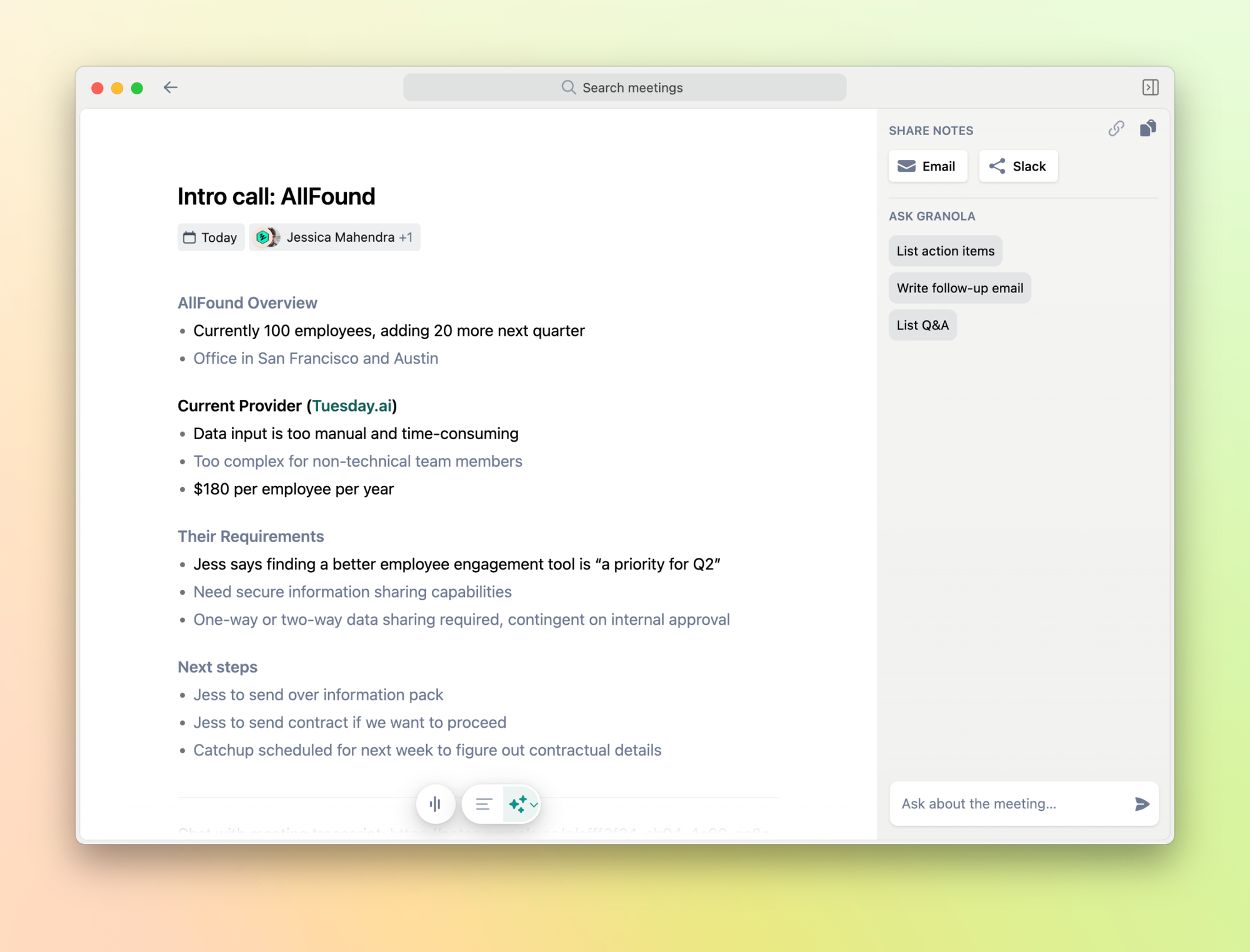
Granola approaches this problem differently than traditional AI note-takers. Instead of joining your call as an intrusive bot that announces its presence to everyone, it captures audio directly from your device and generates intelligent summaries after the meeting ends.
The real innovation lies in how Granola handles your notes. You can jot down rough observations during the meeting, and the AI combines your input with the transcript to produce structured, coherent documentation. This hybrid approach means you're not entirely outsourcing note-taking—you're augmenting it.
Creative professionals report that Granola has fundamentally changed how they engage in meetings. Without the constant pressure to capture every detail, they can actually participate in discussions, ask better questions, and contribute more meaningfully to collaborative conversations.
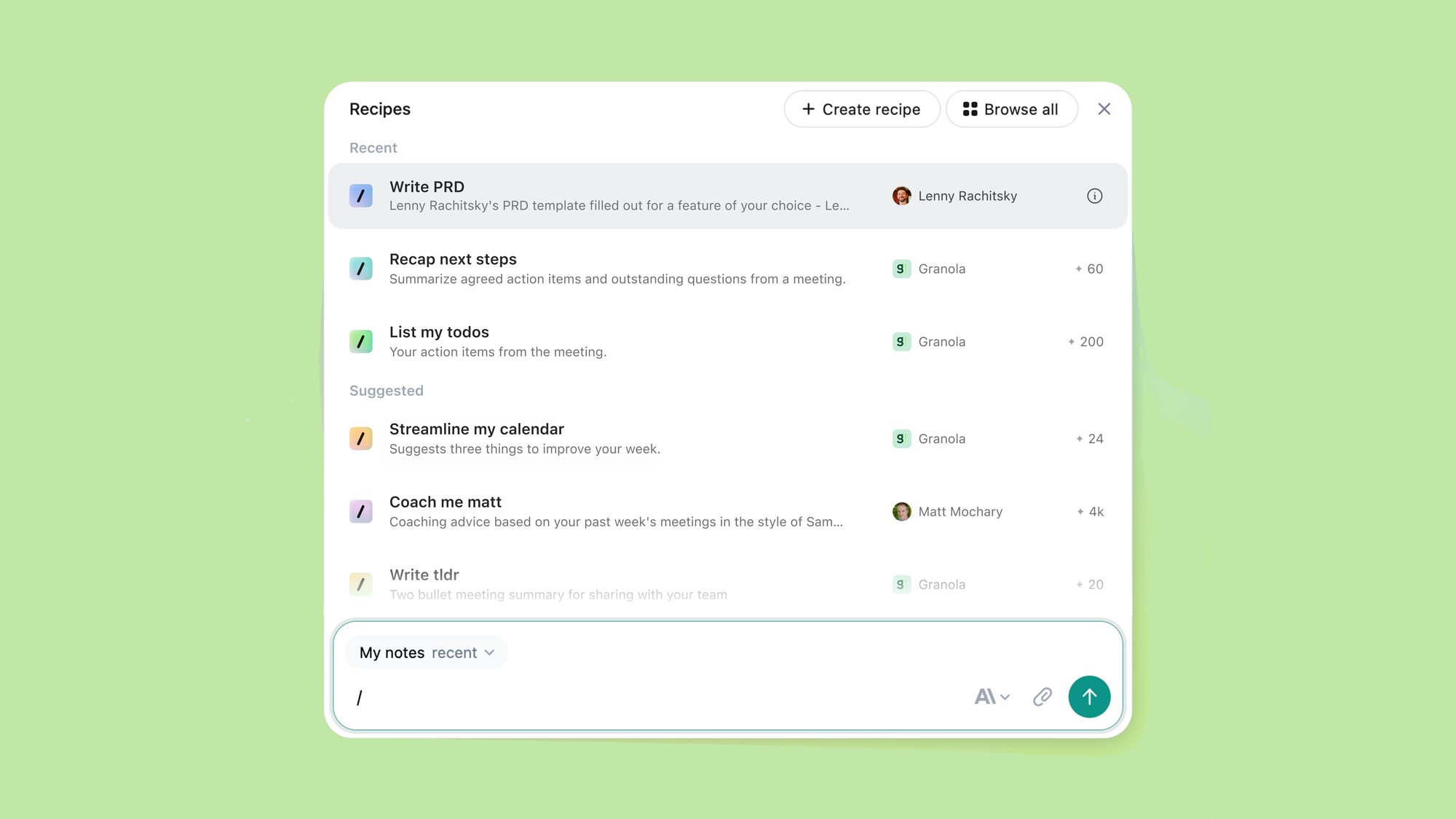
The tool works across major platforms including Zoom, Teams, and Slack, and operates without requiring participants to consent to an AI bot joining the call—a significant advantage when working with clients who might be uncomfortable with traditional AI note-takers.
Pricing starts at $14 per month for individuals, with a free tier offering limited functionality. For creatives juggling multiple client relationships and internal meetings, the investment often pays for itself within the first week through recovered time.
2. Perplexity: Research Without the SEO Garbage
Research is foundational to creative work. Whether you're developing a brand campaign around sustainable fashion, pitching concepts to a new client, or simply trying to stay current on industry trends, accurate information matters.
The problem with traditional search engines is increasingly obvious: results are cluttered with SEO-optimized content farms, ad-laden pages, and sites designed to rank rather than inform. Finding credible, current research requires wading through digital garbage to reach useful sources.
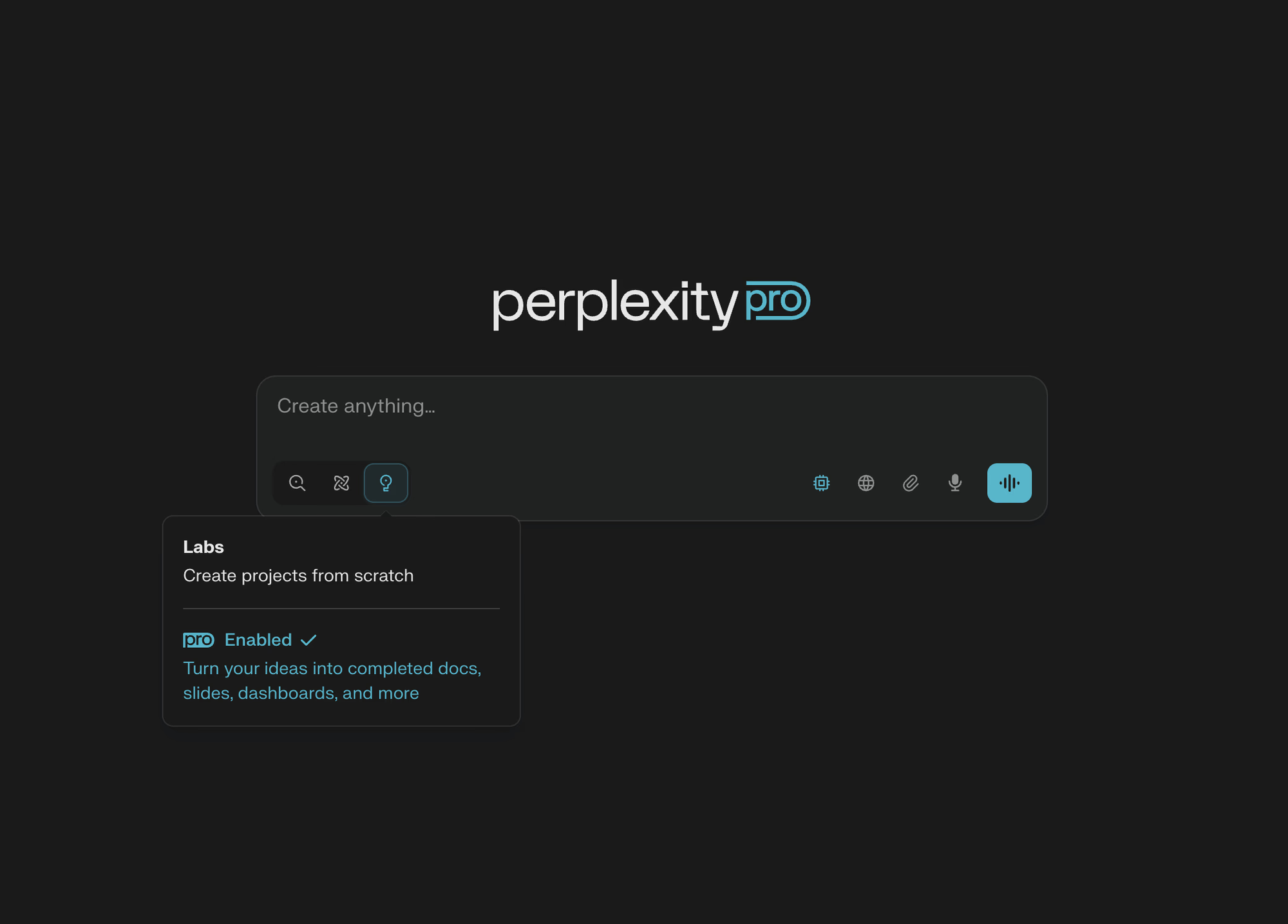
Perplexity reimagines search as a research assistant rather than a link aggregator. Ask a question in plain language, and it delivers synthesized answers with verified sources you can check. Every claim includes citations, so you can verify information before using it in client presentations or creative briefs.
The tool excels at compressing complex topics into digestible summaries without losing nuance. Need to quickly understand the regulatory landscape around AI in your client's industry? Want to find recent case studies for a pitch deck? Perplexity delivers context-aware responses that would take hours to compile manually.
For creatives who need to look well-researched without spending entire days on research, Perplexity functions as a shortcut to competence. The free tier handles most everyday research needs, while the Pro subscription ($20 per month) unlocks deeper research capabilities and access to multiple AI models.
The Deep Research feature deserves special mention. When activated, Perplexity performs dozens of searches, analyzes hundreds of sources, and synthesizes findings into comprehensive reports. Tasks that previously required days of manual research can be completed in minutes.
3. NotebookLM: Your Personal AI Research Partner
Google's NotebookLM occupies a unique niche in the AI tool landscape. Rather than generating content, it helps you make sense of content you already have.
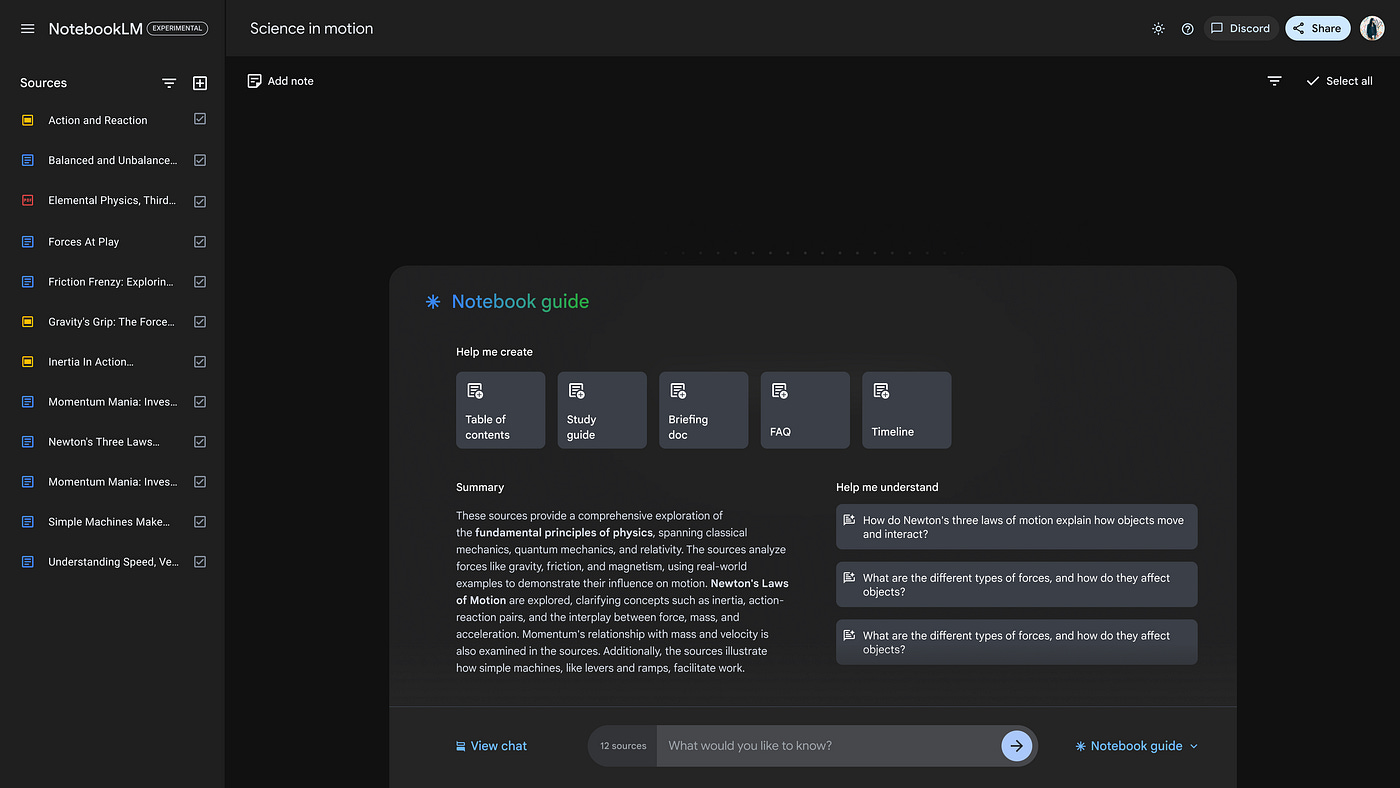
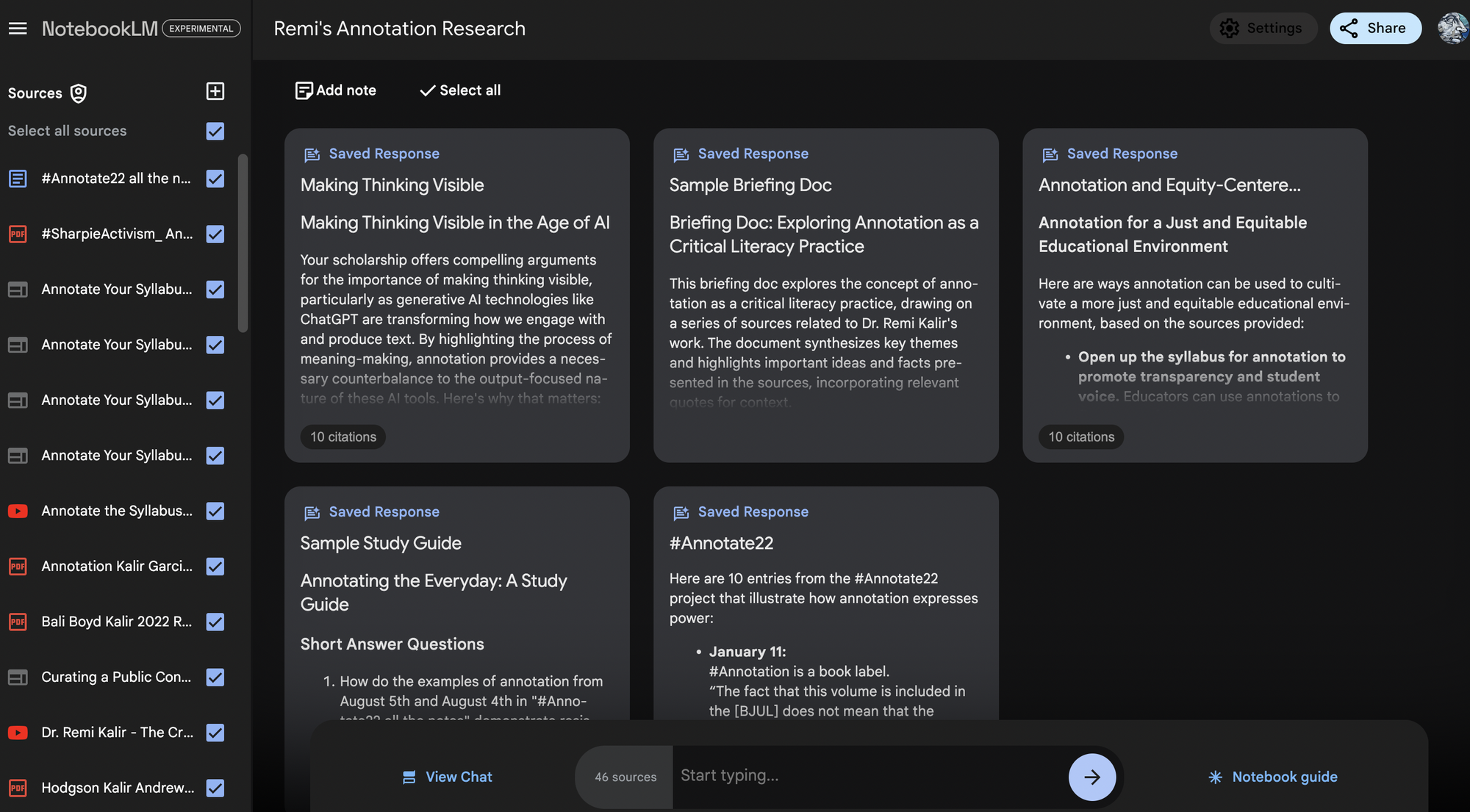
Upload research materials – PDFs, YouTube videos, articles, interview transcripts, Google Docs – and NotebookLM becomes an expert on those specific sources. You can query it about themes, ask it to identify connections between documents, or request summaries of complex material.
What sets NotebookLM apart is its grounded approach. Every answer includes citations showing exactly which source informed the response. This transparency addresses one of the major concerns creative professionals have about AI: the tendency to hallucinate plausible-sounding but entirely fabricated information.
The Audio Overview feature transforms dry research into engaging podcast-style discussions. Two AI hosts discuss your source material in a conversational format – surprisingly useful for absorbing information while commuting or working on repetitive tasks.
For creatives managing multiple projects with overlapping research needs, NotebookLM functions as an institutional memory system. Query your collected sources about past projects, identify patterns across client feedback, or surface relevant research from months ago without manually searching through files.
The free tier offers generous limits for individual use, while NotebookLM Plus (included in Google One AI Premium at $20 per month) expands capacity significantly.
4. Kagi Translate: Context-Aware Translation for Global Work
Creative work increasingly crosses language barriers. International clients send reference materials in their native language. Research for culturally sensitive campaigns requires understanding source materials from around the world. Collaboration with global teams demands clear communication across linguistic divides.
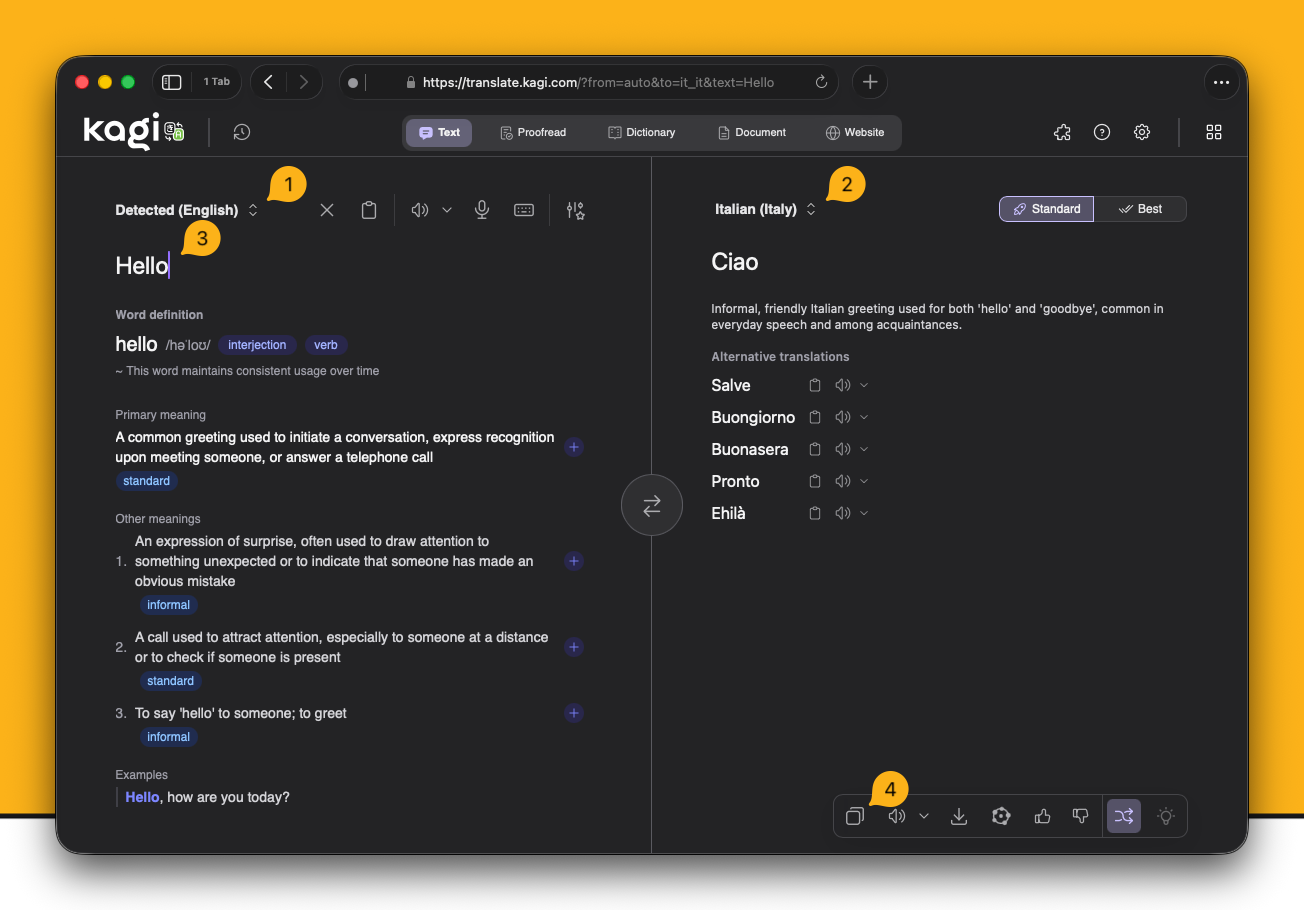
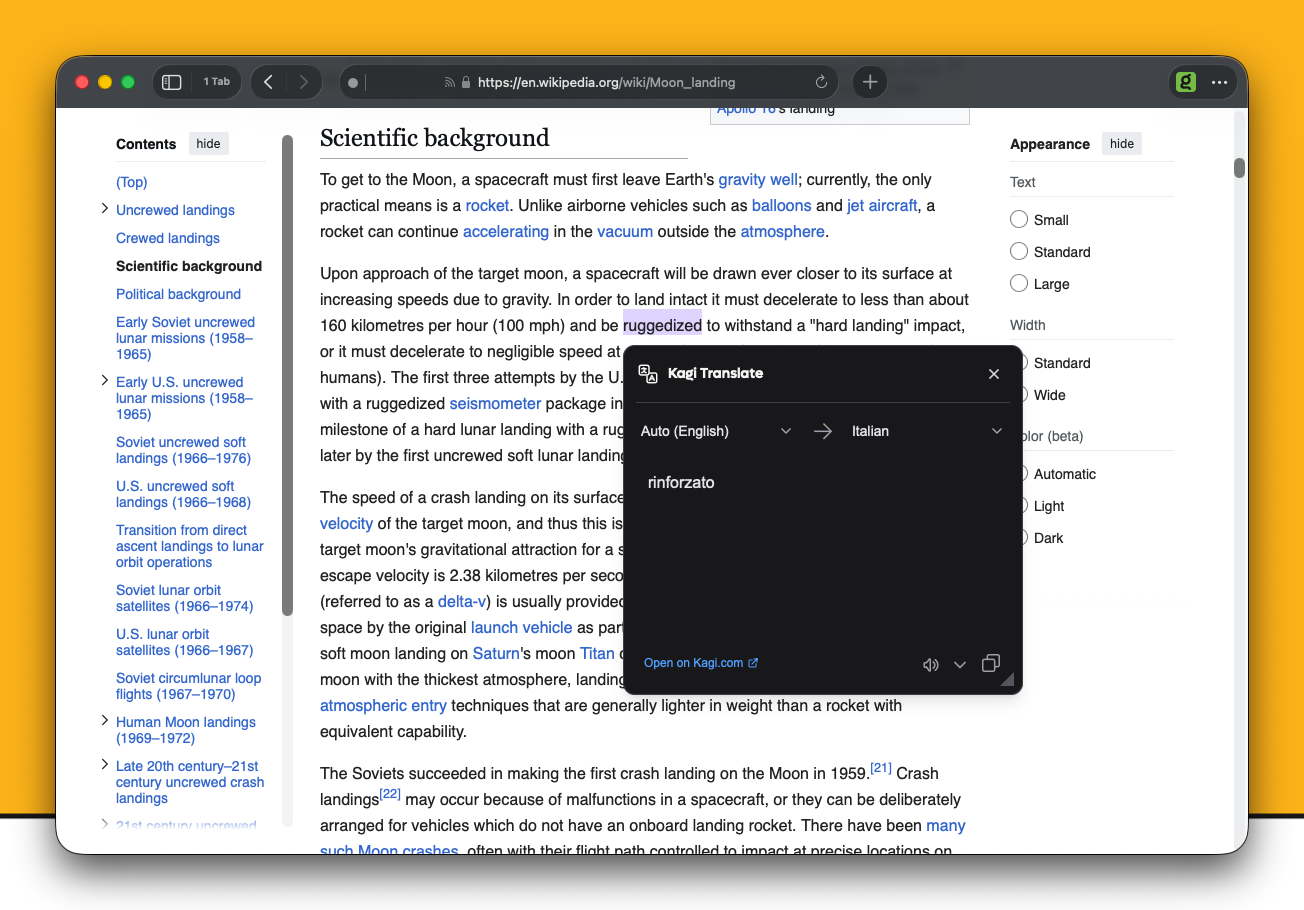
Kagi Translate distinguishes itself from basic translation tools through context awareness. Rather than producing word-for-word translations that miss cultural nuance, it attempts to preserve meaning and tone across language pairs.
The tool supports over 248 languages and allows users to customize output by adjusting formality level, reading complexity, and writing style. This flexibility proves valuable when translating client feedback that needs to be shared with different audiences or when researching international references for creative projects.
Privacy considerations matter here too. Translations are processed securely and not stored on Kagi's servers—important when working with confidential briefs or early-stage creative concepts that shouldn't leave your control.
For widely used language pairs like English-Spanish or English-French, accuracy is excellent. Less common language combinations may require human judgment to refine results, but even imperfect translations provide significantly better starting points than struggling through foreign-language materials unaided.
5. SuperWhisper: Voice-to-Text That Actually Understands Context
Ideas don't always arrive when you're sitting at a keyboard. They strike during walks, in the shower, while commuting – moments when typing isn't practical but the idea needs to be captured before it evaporates.
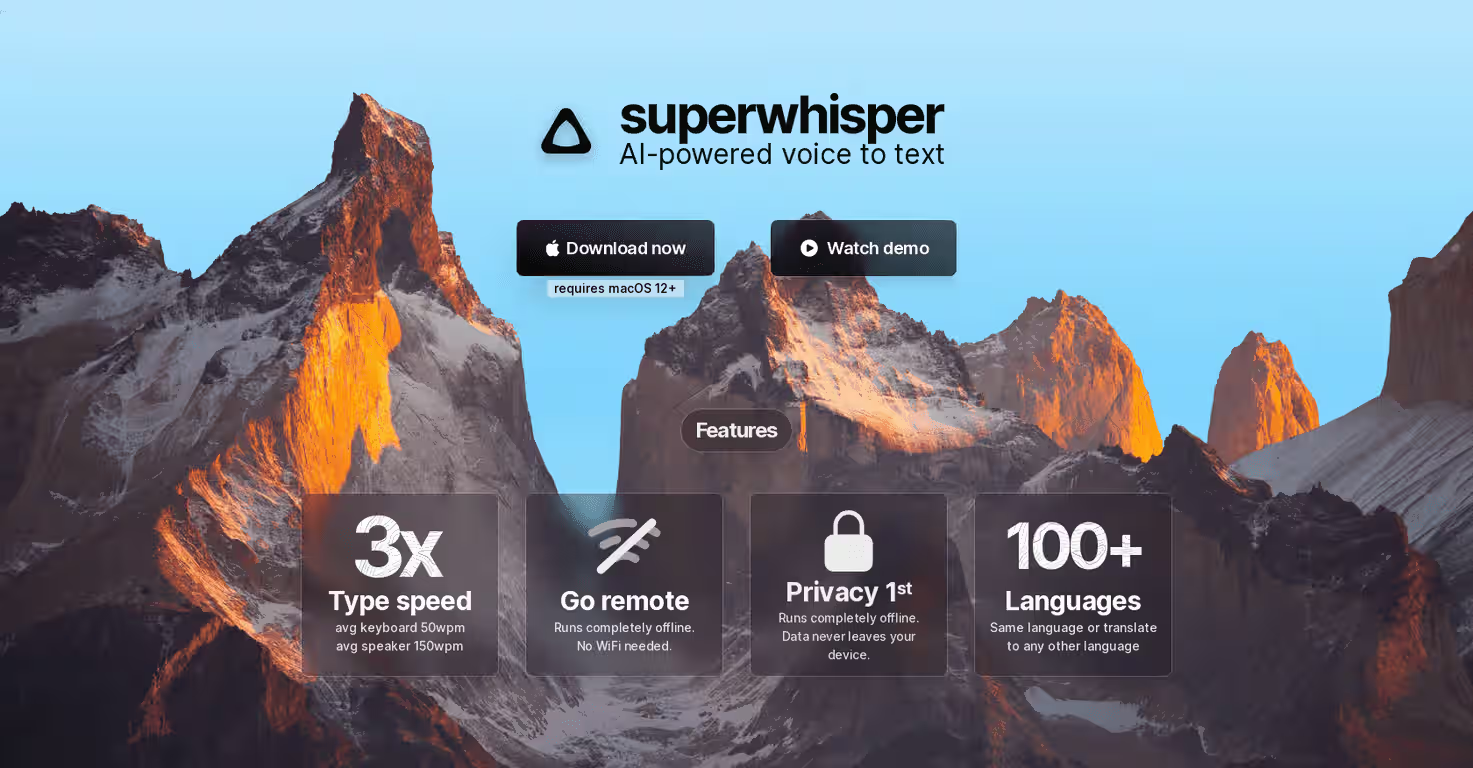
SuperWhisper transforms voice dictation from a frustrating exercise in correction into a genuinely useful input method. Built on advanced AI transcription models, it captures spoken thoughts with impressive accuracy and then intelligently formats them based on context.
The magic happens after transcription. Tell SuperWhisper you're drafting an email, and it structures your stream-of-consciousness rambling into appropriate email format. Dictate notes for a project brief, and it organizes them with logical structure. The AI understands not just what you're saying but what you're trying to accomplish.
For writers, designers, and strategists who think out loud, this capability proves transformative. Ideas that would have been lost or reduced to cryptic notes become fully formed thoughts ready for refinement.
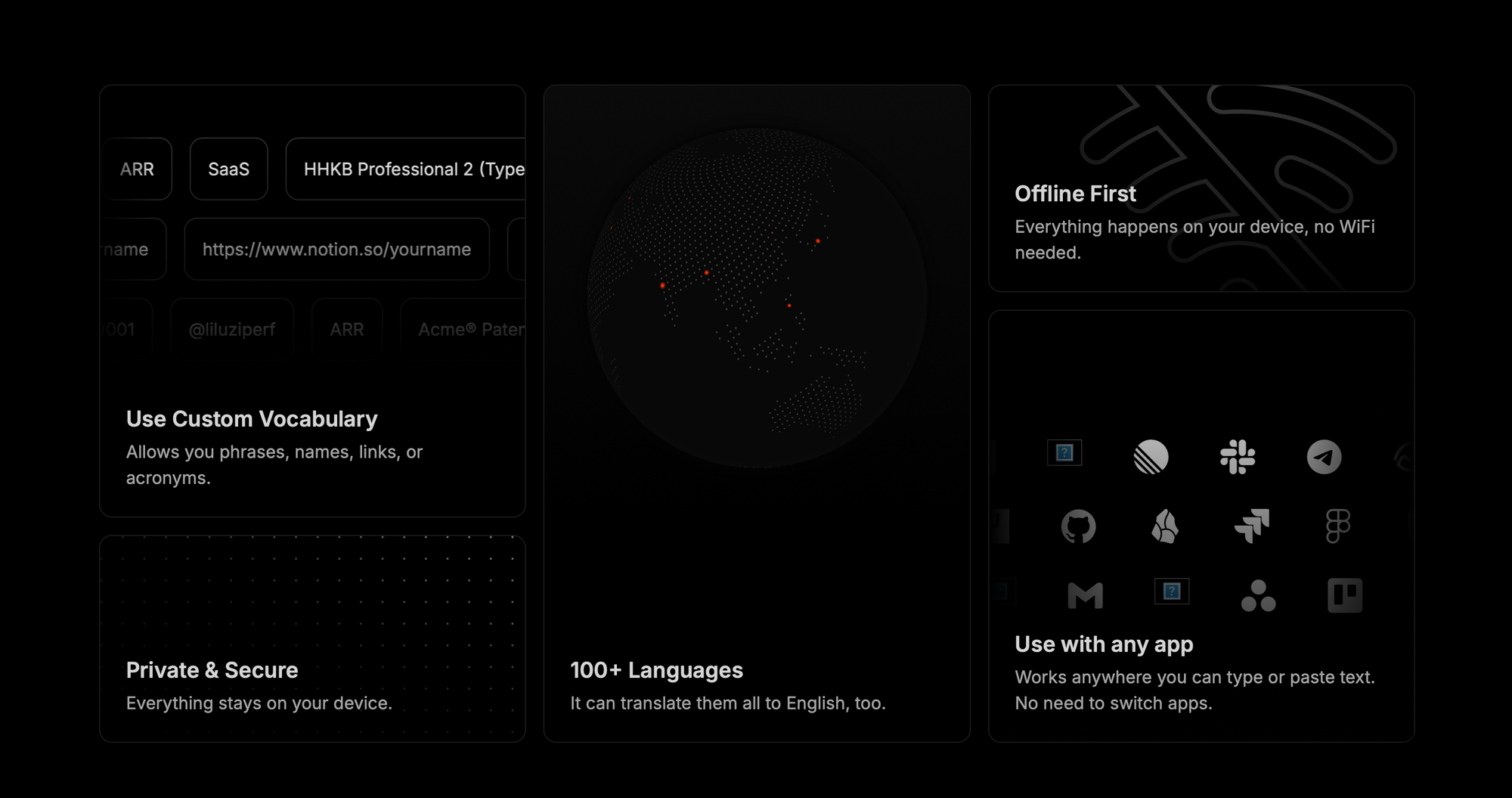
The app works offline on Apple devices, processing transcription locally without sending your words to external servers. Privacy-conscious creatives appreciate this approach, particularly when dictating ideas related to client work or proprietary projects.
Available on Mac, Windows, and iOS, SuperWhisper offers a free tier with limited monthly minutes. Pro pricing starts at $49 for lifetime access—an unusual and welcome model in a subscription-dominated landscape.
6. DeepL Write: Writing Assistance That Preserves Your Voice
Every creative professional writes. Emails to clients, project proposals, social media copy, internal briefs, written communication is inescapable regardless of your primary discipline.
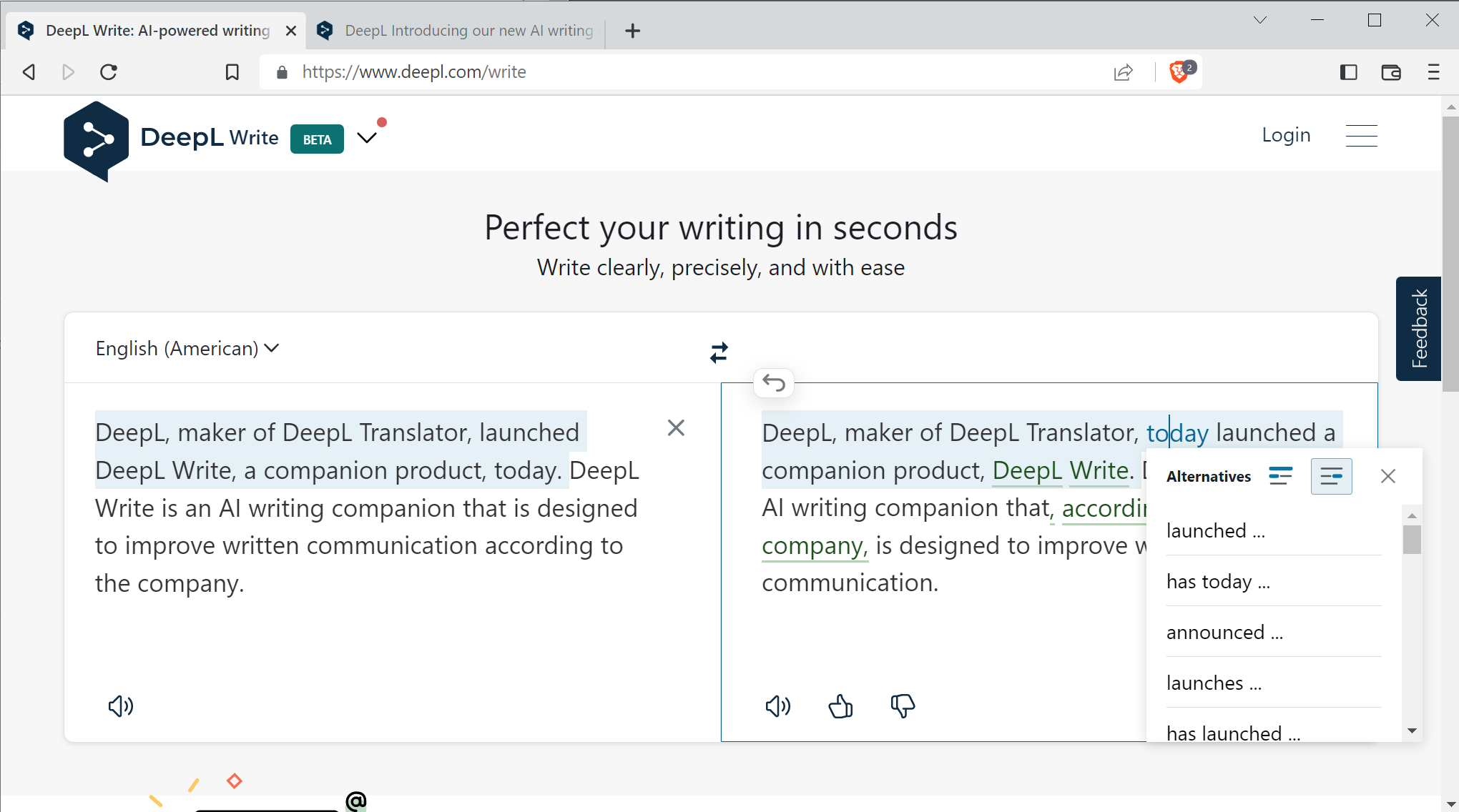
DeepL Write goes beyond basic grammar checking to function as a writing companion. It suggests better phrasing, alternative word choices, and structural improvements while preserving your authentic voice rather than flattening everything into generic AI-speak.
The tool proves particularly valuable for professionals working in English as a second language. Instead of feeling uncertain about tone or missing subtle errors, they can produce polished, professional writing that competes with native speakers.
Customization options allow you to specify desired style (business, academic, casual) and tone (friendly, diplomatic, confident), adapting output to different audiences and contexts. The same proposal might need different treatment when sent to a creative director versus a procurement department.
Integration across platforms – web, desktop, mobile, Gmail, Word – means DeepL Write works where you already write rather than requiring you to copy-paste between applications. This seamless access reduces friction and increases the likelihood of actually using the tool consistently.
For creatives who want to elevate their written communication without hiring an editor for every email, DeepL Write bridges the gap between rough drafts and professional polish.
7. Goblin Tools: Task Breakdown for Overwhelmed Brains
Creative projects often feel paralyzingly large. "Develop comprehensive brand identity for new client" isn't a task – it's a hundred tasks wearing a trench coat pretending to be one thing.
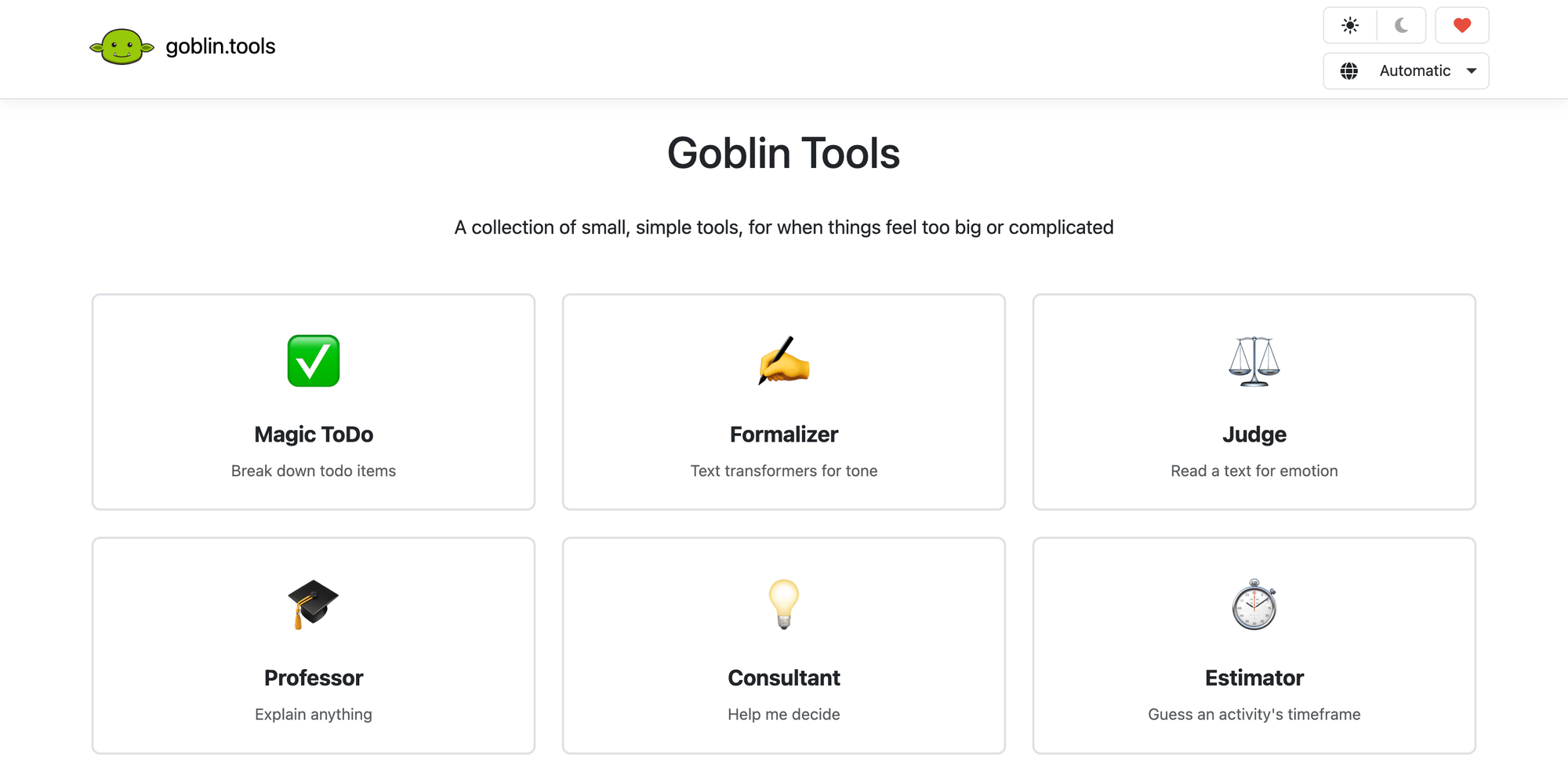
Goblin Tools approaches this problem with elegant simplicity. Originally designed for neurodivergent users who struggle with executive function, its task breakdown capabilities benefit anyone facing complex projects and creative blocks.
The Magic ToDo feature takes overwhelming tasks and decomposes them into manageable steps. Feed it "redesign website for client launch" and receive a structured list of actionable items you can actually start working on. The tool adjusts granularity based on your preferences—some users need detailed micro-steps while others prefer broader strokes.
Additional tools help with other common sticking points. The Formalizer rephrases casual thoughts into professional language. The Judge analyzes tone in written communication to ensure your email won't accidentally sound aggressive. The Compiler organizes scattered notes into coherent summaries.
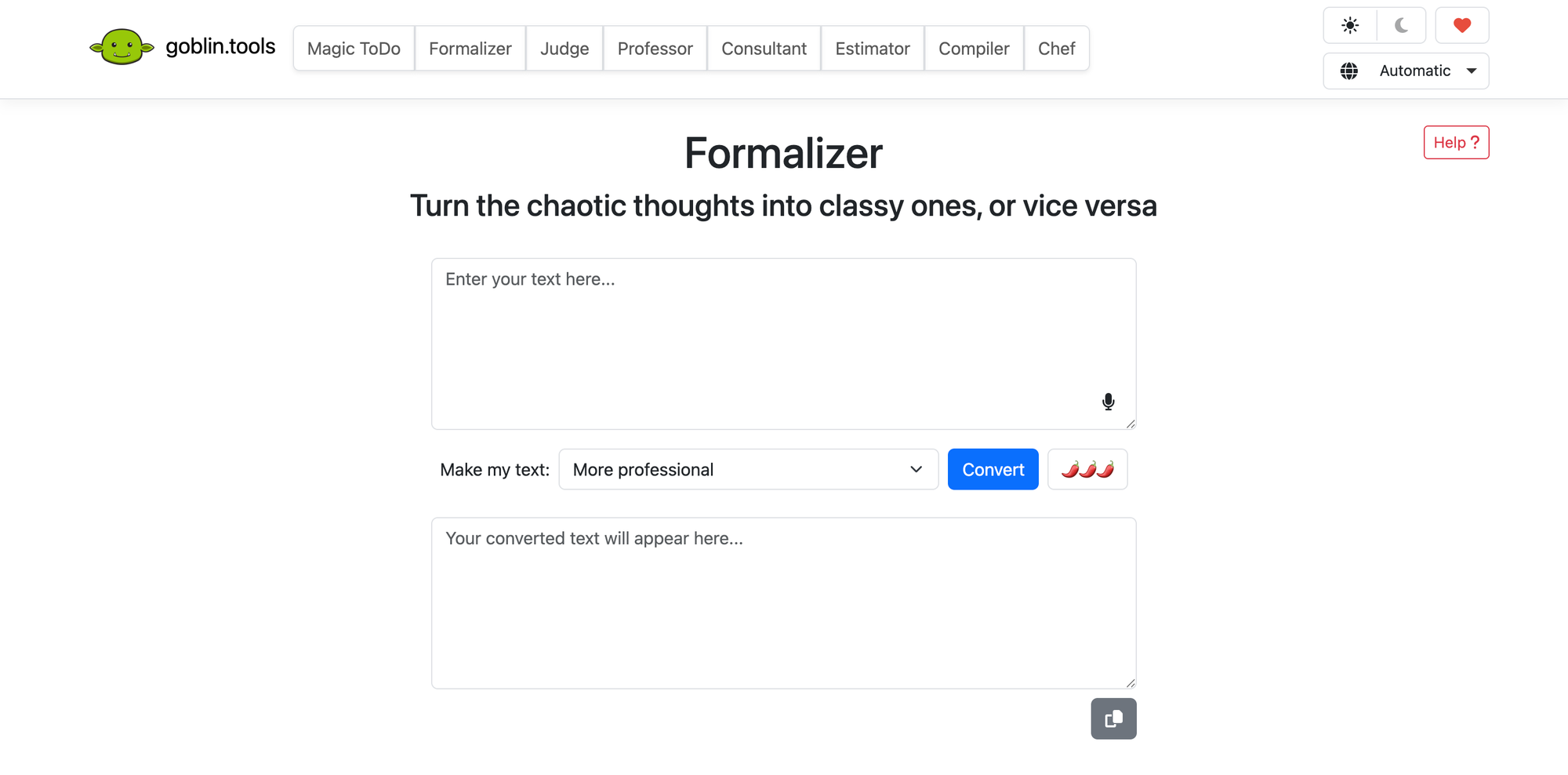
What makes Goblin Tools notable is its accessibility: completely free, no ads, no paywalls, no data harvesting. It exists to help people work more effectively without extracting payment or attention as the price of assistance.
For creatives who routinely face the blank page terror of enormous projects, Goblin Tools offers a patient collaborator who helps break through paralysis and generate forward momentum.
8. ZenQuery: Data Analysis Without Spreadsheet Pain
Creative work generates data. Project expenses across multiple clients. Time tracking across different projects. Revenue analysis by service type. The information exists in spreadsheets, but extracting insights often requires wrestling with formulas, pivot tables, and Excel functions that weren't designed for creative brains.
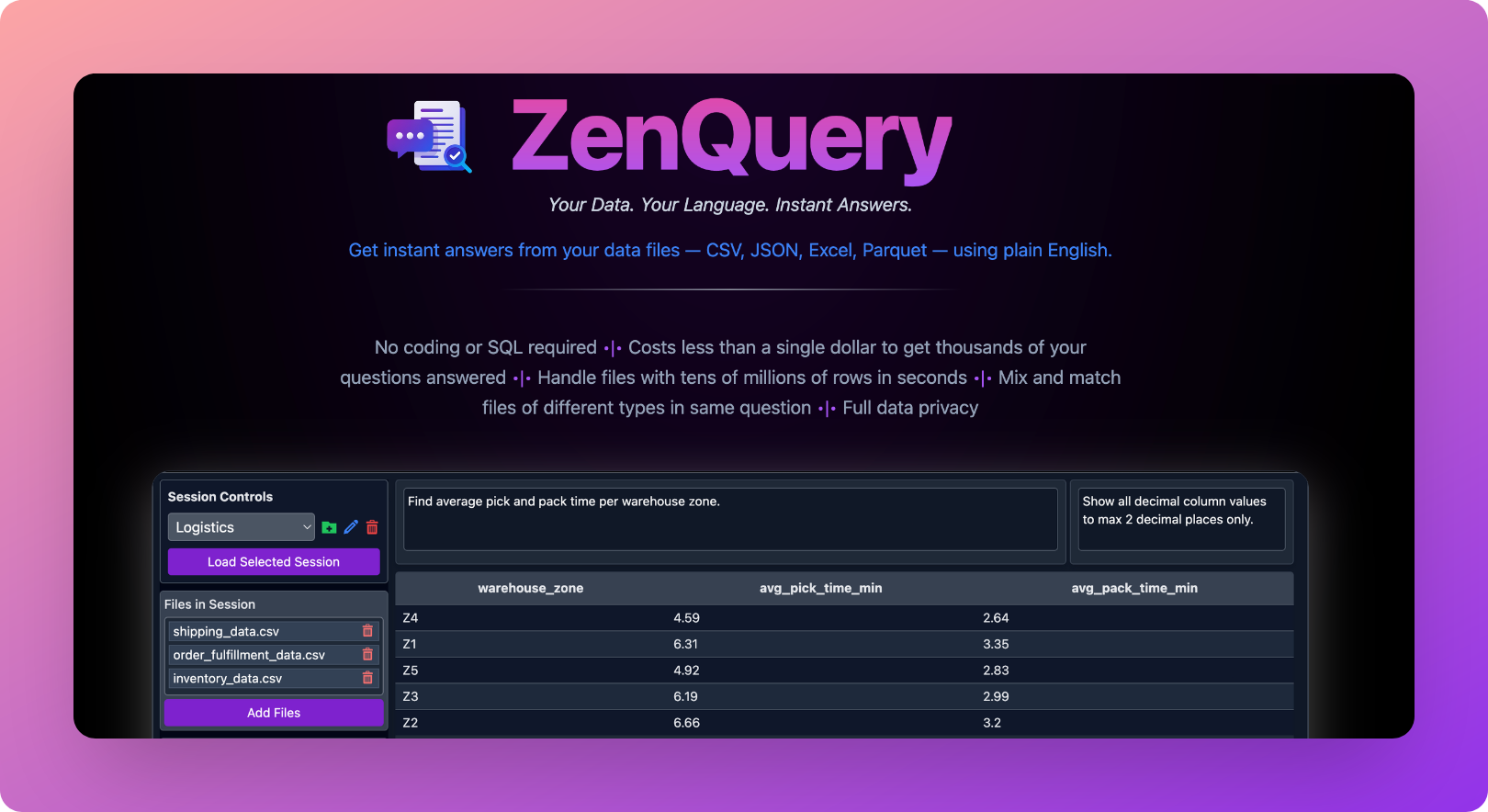
ZenQuery allows you to ask questions about your data in plain English. "Which client projects were most profitable last quarter?" "Show me overdue invoices." "How has project timeline estimation accuracy changed over the past year?"
The tool processes your CSV or Excel files locally, keeping sensitive financial information private rather than uploading it to external servers. This privacy-first approach addresses legitimate concerns about sharing business data with AI systems.
For freelancers and agency owners who need business intelligence but aren't spreadsheet wizards, ZenQuery democratizes data analysis. You can finally understand your own numbers without needing a finance degree or spending hours learning complicated software.
The practical impact extends beyond basic queries. Understanding which project types generate the most profit, which clients require the most revision cycles, or which team members produce work most efficiently enables better business decisions that directly affect creative sustainability.
9. Syft.ai: Curated News
Staying current on design trends, industry news, and emerging technologies is professionally necessary. But the traditional approach – scrolling through multiple sites, sifting through clickbait, and losing hours to algorithmic feeds designed to maximize engagement rather than inform – actively undermines creative productivity.
Syft.ai functions as a personalized news agent that delivers precisely what you want to follow without the noise. Create channels for specific interests: "sustainable packaging design innovations," "new branding projects in the FMCG sector," "emerging AI tools for creative workflows."
The AI finds relevant content from global sources, translates foreign-language articles into your preferred language, and delivers concise daily digests. No duplicate articles, no clickbait headlines, no algorithmic manipulation designed to keep you scrolling past your intended stopping point.
For creative professionals whose awareness of industry trends directly affects their work quality and client relationships, Syft.ai converts time-consuming information gathering into efficient, focused updates. The hours previously lost to news consumption become available for actual creative work.
The tool's translation capabilities prove particularly valuable for international trends. Design innovations emerging in Korea, branding campaigns launching in Brazil, sustainability packaging advances in Germany – all become accessible without language barriers or manual search effort.
10. Spiral: Writing That Sounds Like You, Not AI
The final tool on this list addresses a common frustration with AI writing assistants: they produce output that sounds like AI. Generic, predictable, stripped of personality and voice.
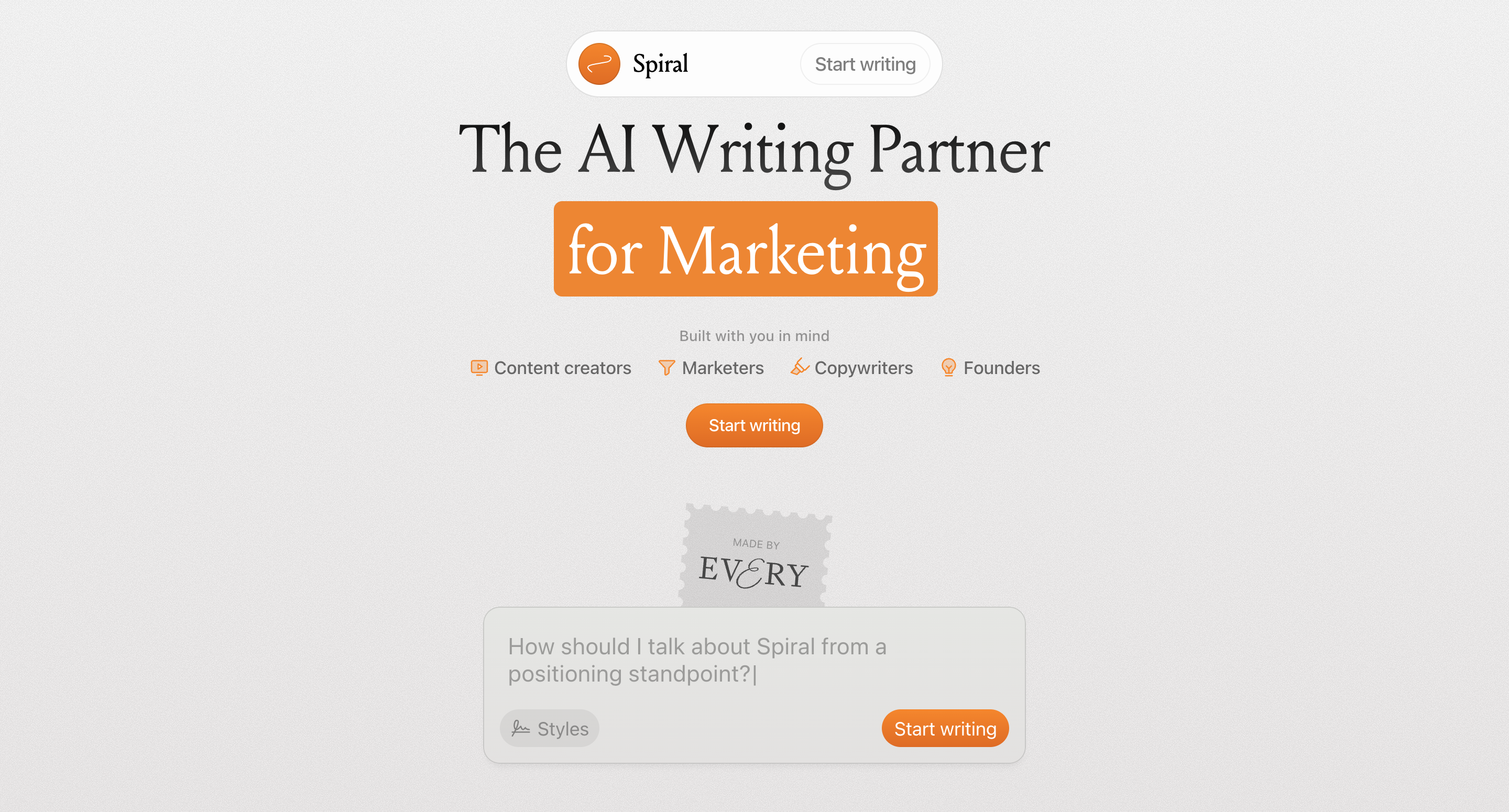
Spiral takes a fundamentally different approach. Instead of generating text from a prompt, it interviews you first. The AI asks targeted questions to understand what you're actually trying to communicate, then presents multiple angles for you to choose from.
You can feed Spiral examples of your previous writing to help it match your established style. Reference your brand voice guidelines, show it past client communication, or provide samples of work you admire. The result is AI-assisted writing that maintains human authenticity rather than erasing it.
This collaborative model feels less like delegation and more like having a thoughtful editor who draws out your ideas and helps you articulate them more effectively. The AI serves as a thinking partner rather than a replacement writer.
Built on the same underlying technology as ChatGPT but with carefully designed prompting systems, Spiral demonstrates how interface design and workflow integration can transform generic AI capabilities into genuinely useful creative tools.
For copywriting, content creation, and client communication, Spiral offers the productivity benefits of AI assistance without sacrificing the personal voice that distinguishes good creative work from algorithmic output.
The Bigger Picture
These ten tools represent a different vision of AI's role in creative work than the one dominating headlines about artists losing jobs to image generators. They demonstrate that artificial intelligence can enhance human creativity rather than attempting to replicate it.
The common thread connecting all these tools is their focus on the work surrounding creative output rather than the creative output itself. Meeting documentation, research synthesis, task management, data analysis, news curation, writing refinement – these are the administrative and cognitive tasks that consume creative energy without contributing directly to the work that clients actually pay for.
By automating this overhead, these tools create space for more creative work rather than less. A designer spending fewer hours reconstructing client feedback has more time for actual design. A writer not lost in research rabbit holes can focus on crafting narratives. A creative director not drowning in administrative tasks can provide better direction to their team.
This isn't about working harder or faster – it's about working smarter by recognizing which parts of creative workflows benefit from AI assistance and which require distinctly human judgment, taste, and expertise.
Building Your AI Toolkit
Adopting new tools requires investment beyond just financial cost. Integration into existing workflows, learning curves, and compatibility with current systems all affect whether a promising tool delivers actual value.
Consider starting with one tool that addresses your most significant pain point. If meetings consume your life, Granola might transform your productivity immediately. If research takes forever, Perplexity could become indispensable within days. If task overwhelm paralyzes your project starts, Goblin Tools offers instant relief with zero barrier to entry.
Privacy considerations matter, particularly for client work. Most of these tools offer either local processing or clear data handling policies, but understanding exactly where your information goes before feeding sensitive client data into any system remains professionally essential.
Cost calculations should account for time saved, not just subscription fees. A $20 monthly subscription that saves five hours of work monthly represents extraordinary value for most creative professionals. The question isn't whether tools cost money but whether they return more value than they consume.
Finally, remember that tools are means to ends, not ends themselves. The goal isn't to use more AI – it's to produce better creative work with less administrative overhead. Any tool that doesn't advance that goal, regardless of how impressive its technology, doesn't belong in your workflow.
Frequently Asked Questions
Do these AI tools require technical expertise to use?
No. All ten tools on this list are designed for non-technical users. Interfaces are intuitive, setup processes are straightforward, and most features work immediately without configuration. The tools that require the most learning—NotebookLM, for example – reward exploration but remain functional from the first interaction.
Will using AI tools make my work seem less authentic?
The tools on this list enhance rather than generate creative work. They handle administrative and organizational tasks that don't require creative judgment while leaving actual creative decisions to you. Your work remains yours; the AI simply helps you spend more time on it and less time on surrounding overhead.
How do these tools protect client confidentiality?
Privacy approaches vary by tool. Granola, SuperWhisper, and ZenQuery process data locally on your device, keeping sensitive information private. Others like NotebookLM operate within Google's enterprise security framework. Review each tool's privacy policy before using it with confidential client information, and consider whether local processing is required for your specific use case.
Can I try these tools before committing to paid subscriptions?
Most tools offer free tiers or trial periods. Goblin Tools is completely free. Granola, NotebookLM, and Perplexity have functional free versions. SuperWhisper offers limited monthly minutes before requiring payment. This allows you to evaluate genuine usefulness before financial commitment.
Which tool should I start with if I can only adopt one?
Choose based on your most significant time drain. If meetings dominate your schedule, start with Granola. If research consumes excessive hours, try Perplexity. If project paralysis prevents starting, Goblin Tools offers immediate relief at no cost. The best starting point is whichever tool addresses your most painful workflow bottleneck.
How do these tools differ from ChatGPT or other general AI assistants?
These tools are purpose-built for specific functions rather than attempting to be general-purpose conversational AI. This specialization typically means better performance for their intended tasks, more thoughtful integration into professional workflows, and interfaces designed around actual use cases rather than open-ended chat.
Will these tools become obsolete as AI technology evolves?
AI technology moves rapidly, but the problems these tools solve—meeting documentation, research synthesis, task management – remain persistent professional challenges regardless of underlying technology. The specific tools may evolve or be replaced, but the category of AI assistance for creative process optimization will likely expand rather than disappear.
Do I need to use all these tools to see benefits?
Absolutely not. Even a single well-integrated tool can meaningfully improve creative workflows. The list provides options across different functional areas – choose based on your specific needs rather than attempting comprehensive adoption. Quality of integration matters far more than quantity of tools.
Are these tools suitable for agencies as well as freelancers?
Yes. Most tools offer team or enterprise plans with features like shared workspaces, centralized billing, and administrative controls. Granola, NotebookLM, and Perplexity all support collaborative use cases. For agencies, the productivity gains multiply across team members, often making ROI calculations even more favorable.
What if I'm ethically opposed to using AI in creative work?
The ethical position that AI shouldn't generate creative work is entirely compatible with using AI for administrative and organizational tasks. These tools don't create art, write copy, or design layouts – they transcribe meetings, organize research, and manage tasks. The distinction between AI that replaces creative work and AI that supports creative workers represents a meaningful ethical boundary that these tools respect.
Related Articles
 Dani
Dani
 Dani
Dani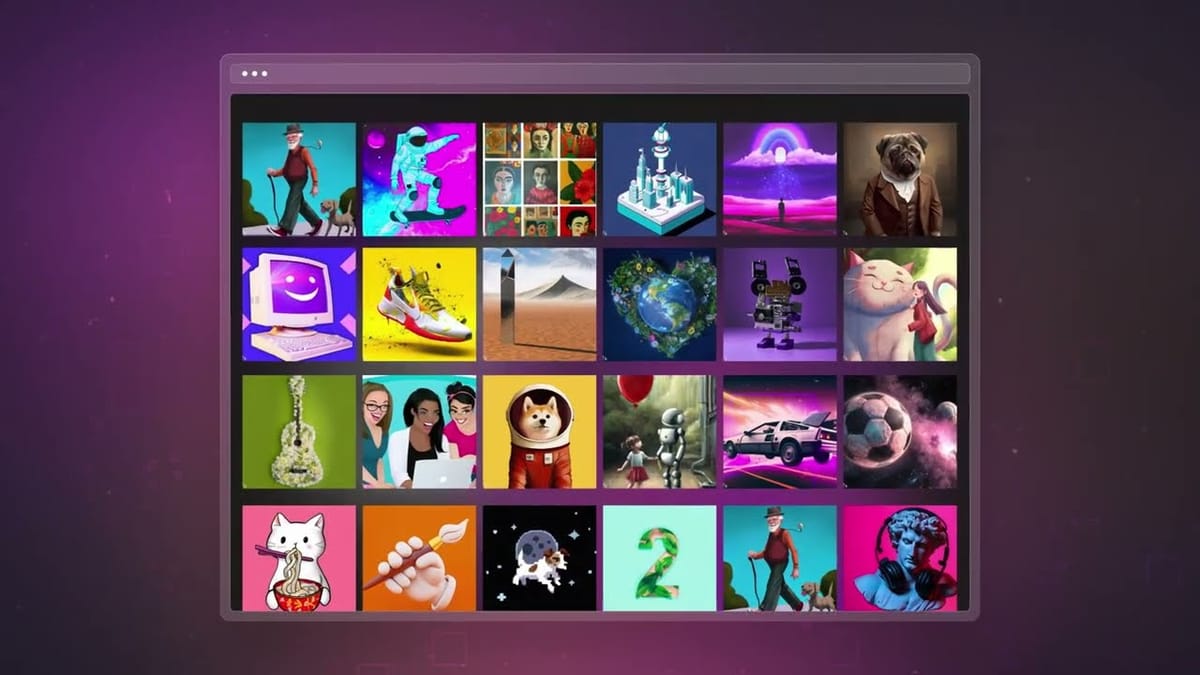
 Mark
Mark